Your crypto.Still yours.
Ledger Live brings every account, swap and stake into one clear view. Your private keys stay on your Ledger: and every transaction is checked on its screen.
Free app · Works with Ledger hardware
Public product details from Ledger, 2026.
All yours.
One view.
Keep every account in one place, from the first satoshi to the long-term stack. Filter by asset and get the whole picture without opening another app.
Illustrative demo. Balances are not connected to an account.
Portfolio
All of your accounts, in one view
Total balance
$104,484.54
+3.82% last 30 days
Look twice.
Sign once.
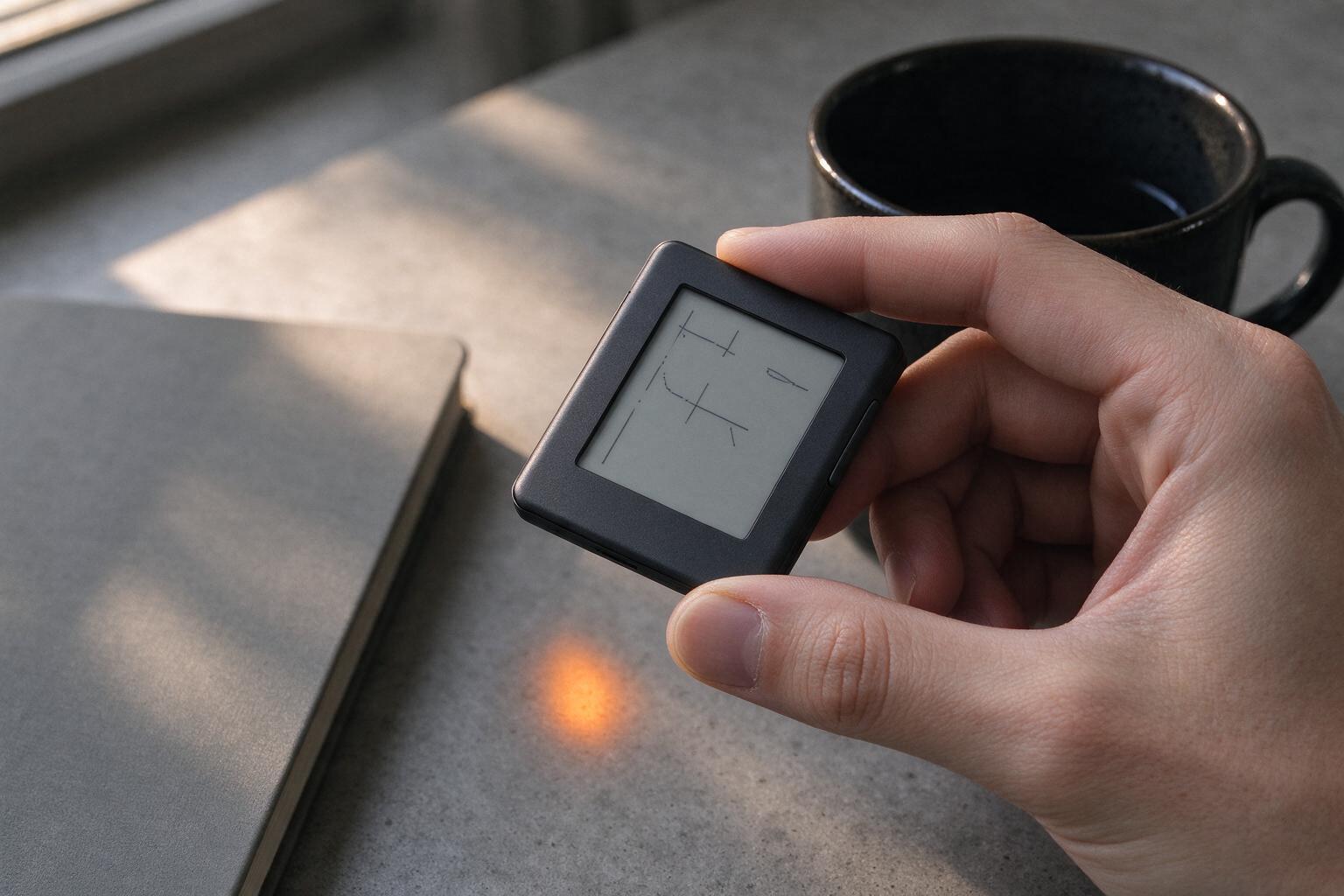
The app prepares the transaction. Your Ledger shows what you are about to sign. Nothing leaves the device until you say so.
- Keys stay offline.Your private keys live in the Secure Element: never in the app, the cloud or a browser tab.
- Clear signing.Recipient, amount and fee appear on the device screen before you approve.
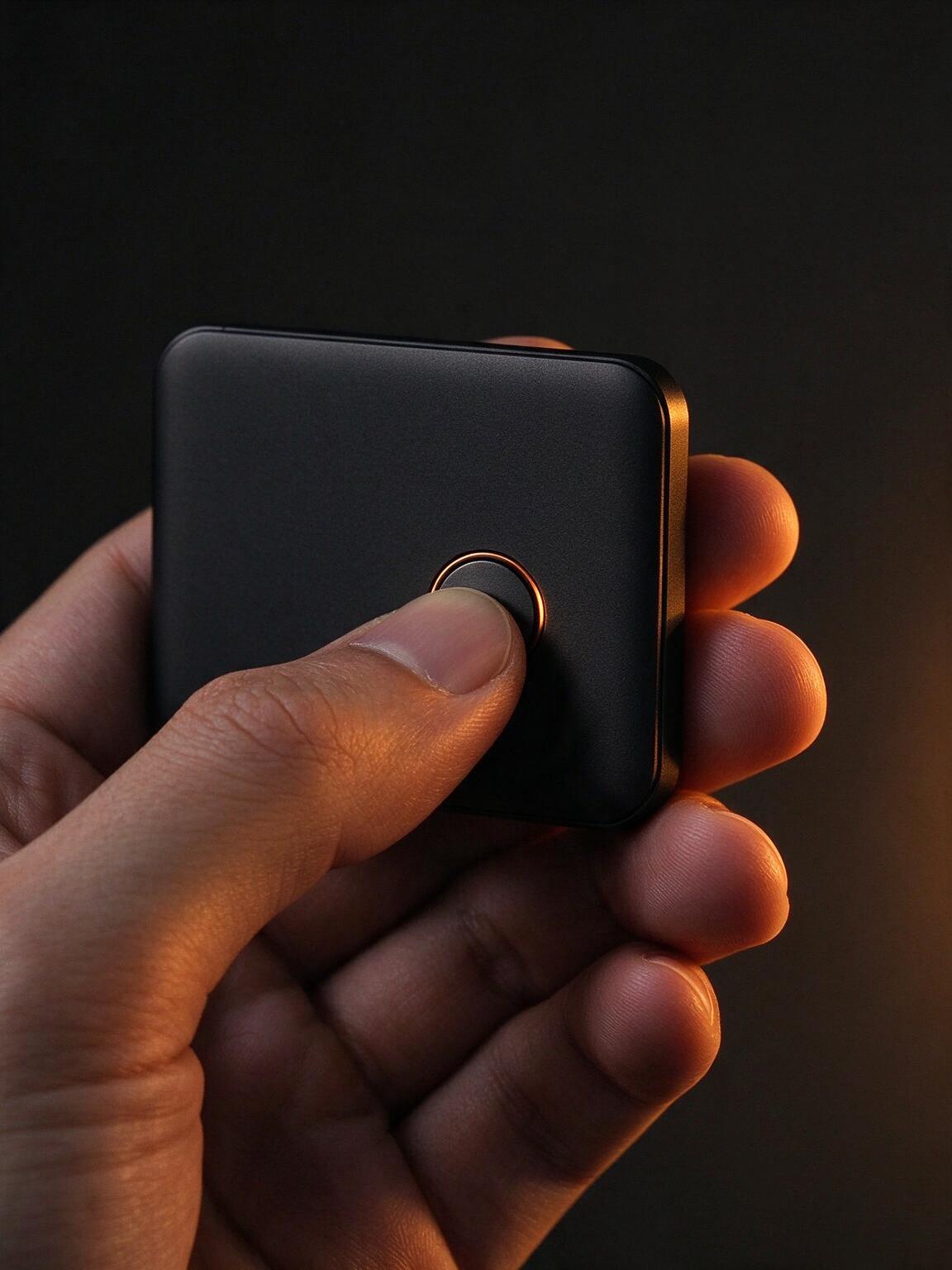
- Your hand on the button.Every signature requires a physical confirmation. A compromised phone is not enough.
0.024 BTC
≈ $1,618.37
Send from your Bitcoin account
Interactive demo. No funds move.
Third-party provider. Quote and fees vary by region.
Move without surrendering.
Start where you are.
Buy crypto through integrated providers and send it straight to your Ledger-backed account. No detour through an exchange wallet.
Provider availability and fees vary by country.
A safer way into web3.
Browse a curated catalog of decentralized apps. Connect from Ledger Live, then read the transaction details on your Ledger before you sign.
Browse the catalog in the appA curated selection. Availability varies by region.
The sensible details.
Do I need a Ledger to use Ledger Live?
Ledger Live is built to work with a Ledger hardware wallet. You can install the app and explore its interface, but signing transactions and managing the full hardware-backed experience requires a Ledger device.
Where do my private keys live?
Your private keys are generated and kept inside your Ledger device. They are never stored in Ledger Live or sent to a server. The app prepares a transaction; the device displays it and signs only after you approve it.
Can I buy, swap and stake in the app?
Yes. Ledger Live connects to third-party providers for buying, selling, swapping and staking. Available assets and services depend on your country, and provider fees and terms apply.
Which platforms are supported?
Ledger Live is available for macOS, Windows and Linux, plus iOS and Android. Your accounts and portfolio view follow you between desktop and mobile.
What can I do with NFTs and web3 apps?
Ledger Live includes a curated Discover catalog for decentralized apps and an NFT gallery. When you connect to an app in Discover, the transaction details still return to your Ledger screen for review.
How much does Ledger Live cost?
The app itself is free. A Ledger hardware wallet is sold separately, and third-party services such as buy, swap or staking providers may charge their own fees.
Your keys.
Your call.
Bring every account into one clear view. Download Ledger Live and keep the final say on your side of the screen.